Top Cloud Security Apps to Protect Your Online Business
In today’s digital world, your online safety is more important than ever. You rely on cloud services to run your business, manage your website, and store sensitive data. But without the right security measures, you leave yourself vulnerable to cyber threats that can disrupt your operations and compromise your information. By choosing the right security apps, you can strengthen your defenses, protect your assets, and gain peace of mind knowing your cloud environment is safeguarded. This guide will help you discover essential tools that make security simple and effective for you.
Top Picks
- Best Overall: WP Login Lockdown – $59
- Best for Comprehensive Security Testing: WP Security Ninja – $59
- Best for Password Management: Locker Password Manager – $19
- Best for Spam Protection: Human Presence – $99
How We Selected These Cloud Security Apps
We focused on apps that provide robust safety and security features while remaining easy for you to use. Each product was evaluated based on its ability to protect your WordPress site or cloud environment from common threats like bots, malware, and unauthorized access. We also considered user reviews, pricing value, and additional features such as GDPR compliance, AI integration, and centralized management dashboards. Our goal was to recommend tools that help you enhance your security without complicating your workflow.
WP Login Lockdown
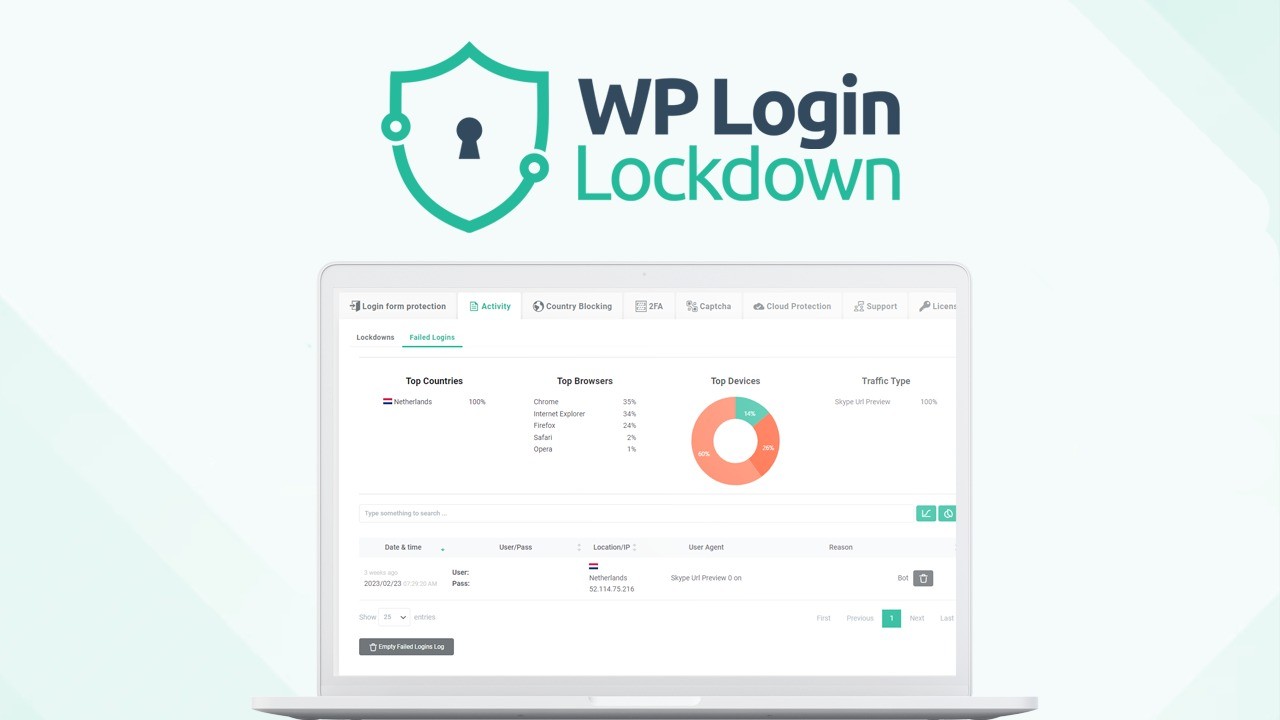
If you’re looking to keep your WordPress site secure without getting lost in complicated setups, WP Login Lockdown is a solid choice. It’s designed to stop bots and bad actors before they even get a chance to mess with your login page. You get handy features like GDPR-compliant Captcha, honeypots to trick bots, a firewall, and even 2 Factor Authentication to add that extra layer of protection. Whether you’re running a small business site or managing multiple client sites, this plugin makes securing your login straightforward and hassle-free.
Usability
| Aspect | Ease Level | Notes |
|---|---|---|
| Setup | Easy | You can get it running quickly without needing to be a tech expert. |
| User Interface | Moderate | Dashboard is clean but packed with useful controls. |
| Customization | Moderate | Options like white-labeling and rebranding give flexibility for agencies. |
| Support | Good | Responsive developer team ready to help when needed. |
Integration Capabilities
| Software | Integration Quality |
|---|---|
| WordPress Core | Seamless |
| 2 Factor Authentication Plugins | Smooth |
| GDPR Compliance Tools | Compatible |
| White-labeling Systems | Robust |
Security Features
| Feature | Protection Level |
|---|---|
| Bot Protection | High |
| Firewall | Strong |
| 2 Factor Authentication | Very High |
| Captcha & Honeypot | Effective |
Data Privacy: WP Login Lockdown respects your users’ privacy by being fully GDPR-compliant, so you can keep your site secure without worrying about data misuse.
Key Benefits
- Protects your WordPress login from brute force attacks and bots
- Easy to set up with GDPR-compliant Captcha and honeypot features
- Adds 2 Factor Authentication for stronger login security
- Centralized dashboard to manage multiple sites and licenses
- White-labeling options for agencies and web designers
Current Price: $59
Rating: 4.84 (total: 31+)
WP Security Ninja

You know how your WordPress site is basically the face of your brand online, so leaving it open to threats just isn’t an option. WP Security Ninja steps in as a straightforward plugin that helps you lock down your site without needing to be a security expert. It runs over 50 security tests and points out what needs fixing, letting you patch things up with just a click. Whether you’re juggling client sites or managing your own, this tool keeps your site’s safety in check, so you can focus on what matters.
Usability
| Aspect | Ease Level | Notes |
|---|---|---|
| Setup | Easy | Get started in minutes with a simple installation process. |
| User Interface | Moderate | Clean and straightforward, though packed with detailed info. |
| Customization | Moderate | White-labeling and settings let you tailor it to your needs. |
| Support | Good | Responsive team ready to help if you hit any snags. |
Integration Capabilities
| Software | Integration Quality |
|---|---|
| WordPress Core | Seamless |
| Malware Scanners | Compatible |
| White-label Systems | Robust |
| GDPR Compliance Tools | Smooth |
Security Features
| Feature | Protection Level |
|---|---|
| Firewall Protection | Strong |
| Malware Scanner | High |
| Login Protection | Very High |
| Vulnerability Tests | Comprehensive |
Data Privacy: WP Security Ninja takes your data privacy seriously, ensuring GDPR compliance so your site’s safety doesn’t come at the cost of user trust.
Key Benefits
- Runs comprehensive security tests to spot vulnerabilities
- One-click fixes make improving safety quick and painless
- Includes firewall and malware scanning features
- White-label options perfect for agencies and freelancers
- GDPR-compliant to keep data privacy in mind
Current Price: $59
Rating: 4.2 (total: 46+)
Locker Password Manager
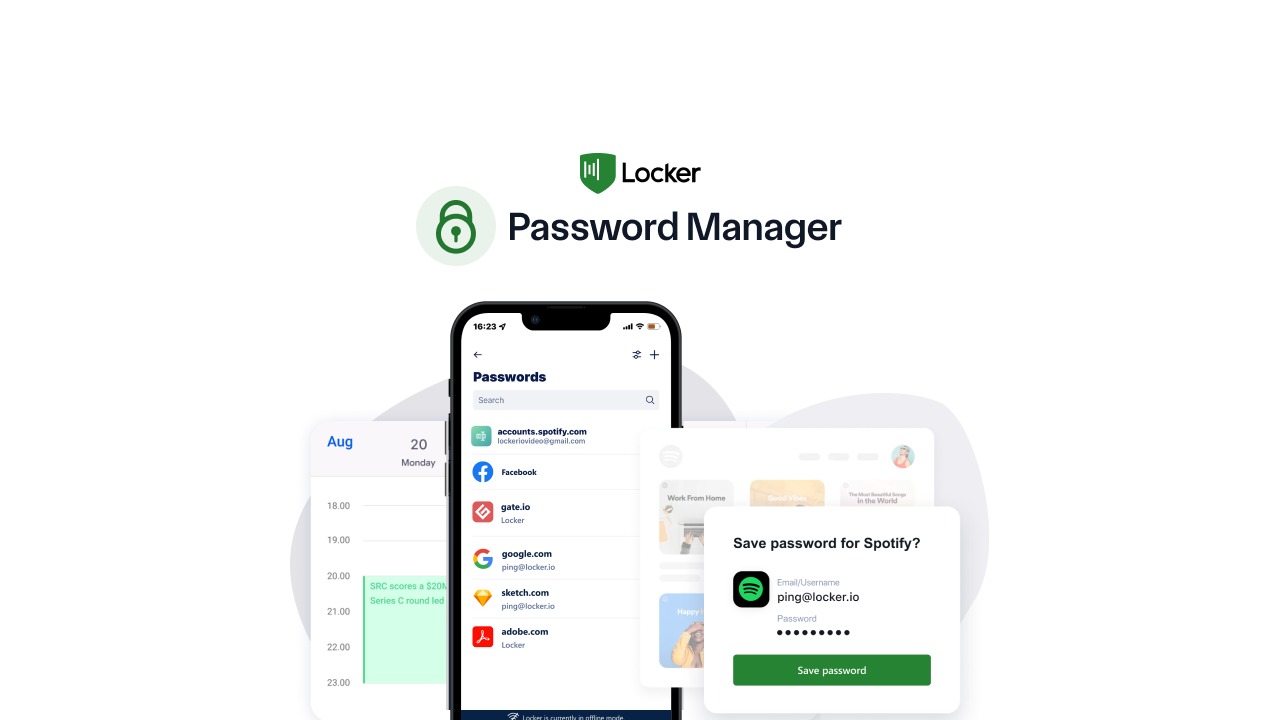
Keeping track of passwords can feel like trying to remember everyone’s coffee order at work—nearly impossible. Writing them down just isn’t secure, and reusing passwords is basically inviting trouble. Locker Password Manager steps in to safely store all your credentials and auto-fill them when you need, so you don’t have to stress about security or forget a thing. Whether you’re juggling multiple accounts for work or personal life, it’s a handy way to keep your digital life locked down without the hassle.
Usability
| Aspect | Ease Level | Notes |
|---|---|---|
| Setup | Easy | Get started quickly with a straightforward installation and setup. |
| User Interface | Moderate | Clean design but some features take a bit of exploring. |
| Mobile App | Needs Improvement | Some users report sluggishness and bugs on certain devices. |
| Support | Fair | Support can be slow to respond, so patience helps. |
Integration Capabilities
| Software | Integration Quality |
|---|---|
| Browser Extensions | Good |
| Authenticator Apps | Integrated |
| Password Import Tools | Supported with CSV/JSON |
| Private Email Service | Basic but included |
Security Features
| Feature | Protection Level |
|---|---|
| Zero Knowledge Encryption | Very High |
| Built-in Authenticator | High |
| Private Email | Moderate |
| Unlimited Device Sync | Strong |
Data Privacy: Locker respects your privacy with GDPR compliance and zero knowledge encryption, meaning only you have access to your passwords and sensitive data.
Key Benefits
- Securely stores and auto-fills unlimited passwords
- Access your vault anytime, even offline
- Supports unlimited devices for seamless syncing
- GDPR-compliant to respect your data privacy
- Includes built-in authenticator and private email features
Current Price: $19
Rating: 4.3 (total: 26+)
Human Presence
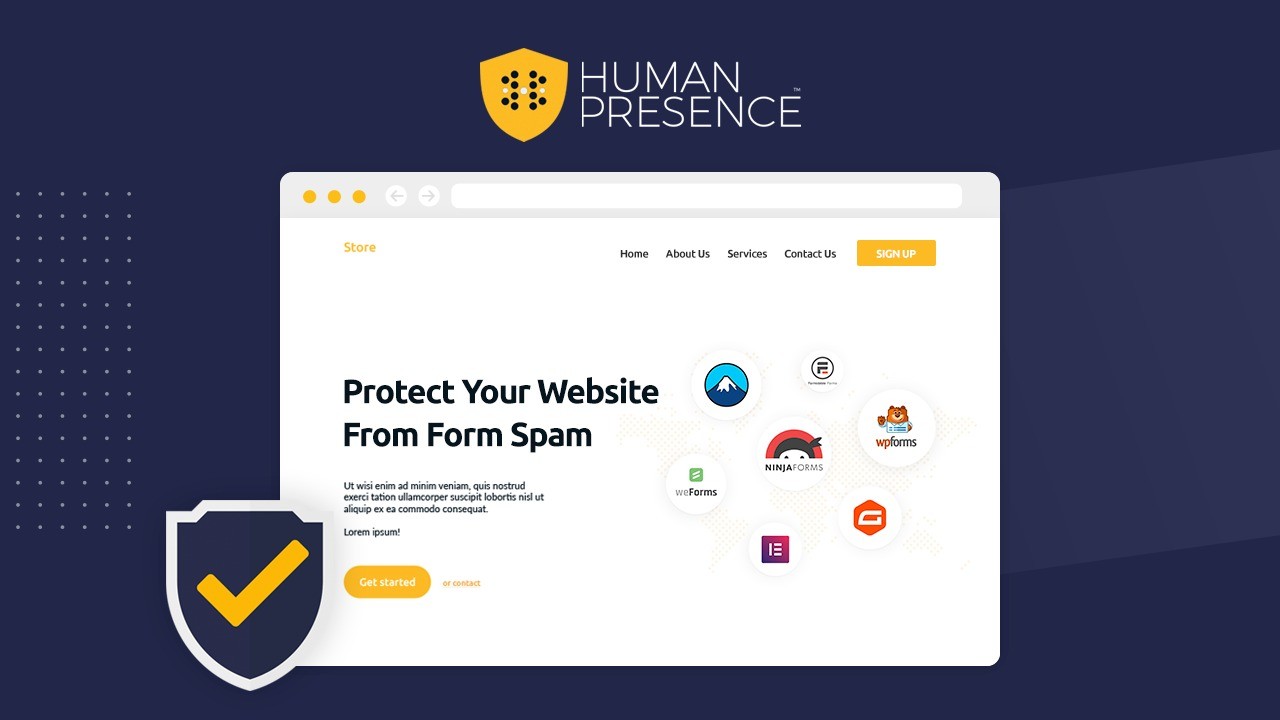
If you’ve ever dealt with spam flooding your WordPress forms, you know how frustrating it can be. Human Presence quietly works behind the scenes to keep those pesky bots out without bothering your real visitors. It’s designed to fit right in with your favorite form builders, so you don’t have to worry about compatibility issues. Whether you’re running a blog, an online store, or managing multiple client sites, this plugin helps keep your forms secure and your inbox cleaner. It’s like having a spam filter that actually understands what’s human and what’s not, without making your users jump through hoops.
Usability
| Aspect | Ease Level | Notes |
|---|---|---|
| Setup | Easy | Install and activate without complicated steps or coding. |
| User Interface | Moderate | Simple settings but some fine-tuning needed for confidence levels. |
| Compatibility | Good | Works well with most popular form plugins and themes. |
| Support | Fair | Support responses can be slow but helpful when reached. |
Integration Capabilities
| Software | Integration Quality |
|---|---|
| Gravity Forms | Seamless |
| Ninja Forms | Reliable |
| Contact Form 7 | Smooth |
| WooCommerce Reviews | Compatible |
| Elementor Forms | Stable |
Security Features
| Feature | Protection Level |
|---|---|
| AI-Powered Bot Detection | High |
| Invisible Spam Blocking | Strong |
| Session-Based Human Verification | Moderate |
| No Data Storage of Blocked Submissions | Privacy-Focused |
Data Privacy: Human Presence respects your data by not storing blocked submissions and relying on session data to keep things secure without compromising user privacy.
Key Benefits
- Blocks automated spam on all major WordPress form builders
- Invisible protection that doesn’t annoy your visitors
- Works seamlessly with popular themes and plugins
- Protects comments, contact forms, and reviews alike
- No captcha challenges needed, keeping user experience smooth
Current Price: $99
Rating: 3.4 (total: 15+)
FAQ
How Do These Cloud Security Apps Actually Improve My Website’s Security?
You want to keep your site safe without getting bogged down in complicated setups. These apps, like WP Login Lockdown and WP Security Ninja, add layers of protection such as bot blocking, firewalls, and two-factor authentication that work behind the scenes. They help prevent unauthorized access, reduce spam, and detect vulnerabilities before they become a problem. By using these tools, you’re proactively securing your site so you can focus on growing your business without constantly worrying about attacks.
What Should I Consider Before Buying a Cloud Security App for My WordPress Site?
When choosing a security app, think about your specific needs like how many websites you manage, the level of control you want, and your budget. For example, WP Login Lockdown offers plans starting at $59 for 5 sites with centralized management, which is great if you handle multiple clients. Also, check if the app is regularly updated and supported, since security threats evolve fast. Look for features like GDPR compliance, ease of use, and customizable settings so you can tailor the security level to your comfort.
Can I Use These Security Apps Without Technical Expertise, and How Do I Get Started?
Absolutely! These apps are designed with you in mind, whether you’re a freelancer or run a small business. Installation usually takes just a few clicks, and many come with intuitive dashboards that guide you through setup. For example, WP Security Ninja lets you perform over 50 security tests and fix issues with a single click. If you ever hit a snag, responsive support teams are often available to help. Start by installing the plugin, enable key features like two-factor authentication and bot protection, and monitor your site’s security status regularly to stay ahead.
Wrapping Up
Securing your cloud presence is essential to protect your data and maintain trust with your users. The apps highlighted here offer you a range of solutions—from locking down login attempts and running security tests to managing passwords securely and blocking spam bots. By integrating these tools into your workflow, you can significantly reduce risks and focus on growing your online presence with confidence.
| Product | Image | Rating | Highlights | Pros | Cons | Price |
|---|---|---|---|---|---|---|
| WP Login Lockdown |
|
4.84/5 (31 reviews) | GDPR-compliant, AI, White label, 2-Factor Authentication | High security features, easy to use, customizable login protection. | Limited to WordPress sites. | $59.00 |
| WP Security Ninja |
|
4.57/5 (46 reviews) | Firewall protection, login protection, 50+ security tests. | Comprehensive security checks, user-friendly interface. | Some features may require technical knowledge. | $59.00 |
| Locker Password Manager |
|
4.31/5 (26 reviews) | Zero Knowledge security, auto-fill passwords, multi-device support. | Secure password management, easy to use. | Bugs reported on mobile, limited features compared to competitors. | $19.00 |
| Human Presence |
|
4.27/5 (15 reviews) | Invisible spam protection, major form builder integrations. | Effective against spam, easy to configure. | Concerns about false positives, limited visibility on blocked submissions. | $99.00 |
This Roundup is reader-supported. When you click through links we may earn a referral commission on qualifying purchases.